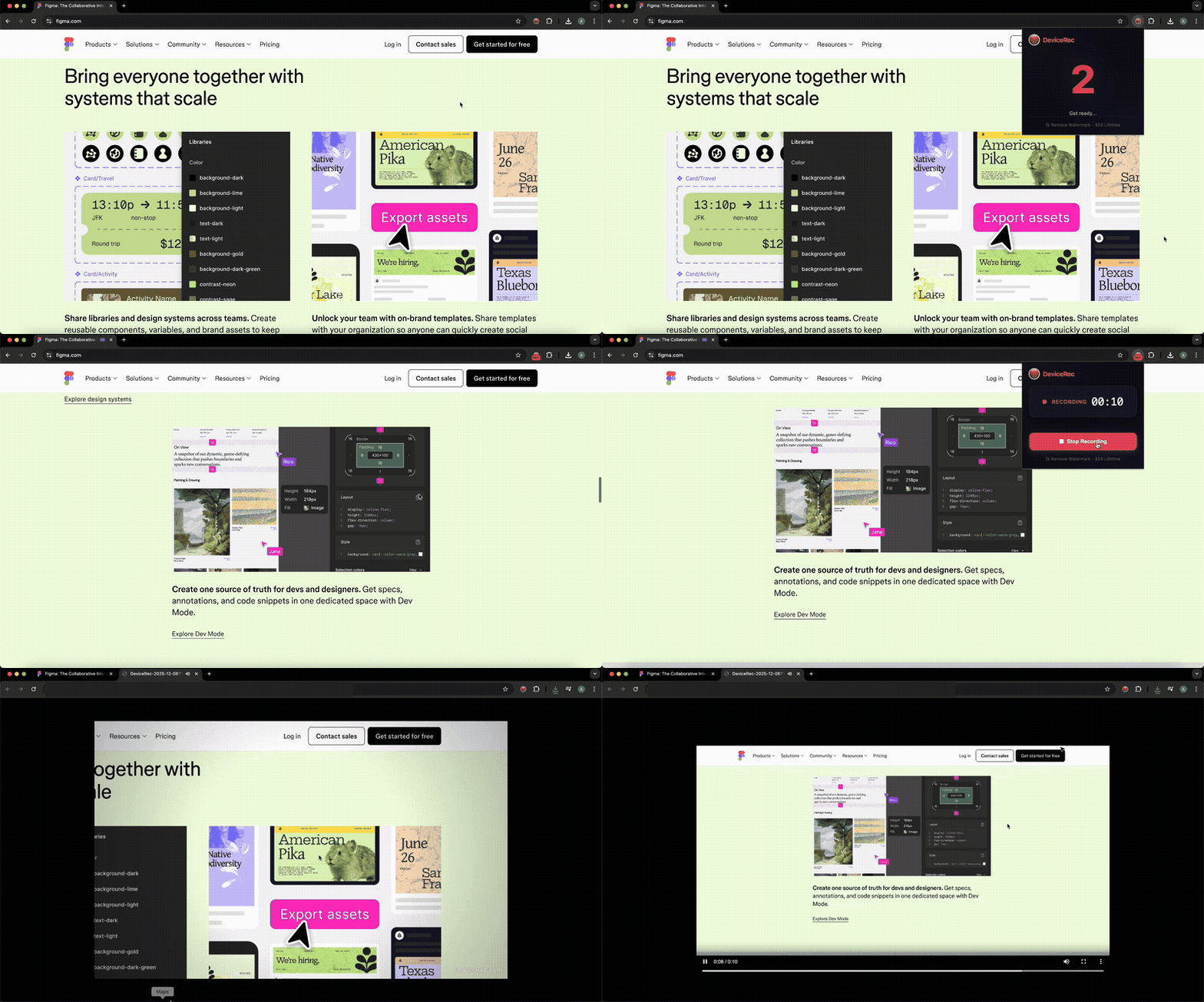
Record screen videos that stay on your device. Completely free, with no watermark, resolution limit, duration limit, account, upload, or tracking.
Built for professionals who value privacy
Your recordings never leave your device. No cloud uploads, no servers, no third-party access. Perfect for confidential content.
No duration or resolution limits. Record at your screen's native quality for as long as your device and available storage allow.
Professional-looking tutorials with automatic zoom that follows your cursor. Just like Screen Studio, but free.
Record your voice alongside tab audio. Perfect for tutorials, demos, and explainer videos.
Just install and record. No signups, no logins, no email verification. Start recording in seconds.
Start and stop recording with Alt+Shift+R. Works on both Mac and Windows. No clicking required.
Start recording in 3 simple steps
Add DeviceRec to Chrome from the Web Store. No account or signup required — just one click to install.
Click the extension icon, choose your options (mic, zoom), and hit "Start Recording". Or use Alt+Shift+R keyboard shortcut.
Stop recording and your video downloads immediately to your device. No processing, no uploads, no waiting.
See how we compare to other screen recorders
| Feature | DeviceRec | Loom | Others |
|---|---|---|---|
| 100% Local (No Cloud) | ✓ | ✗ | ✗ |
| No Account Required | ✓ | ✗ | ✗ |
| Recording Time Limit | ✓ Unlimited | 5 min (Free) | Varies |
| Smart Auto-Zoom | ✓ | ✗ | ✗ |
| GDPR/HIPAA Friendly | ✓ | Partial | Partial |
Got questions? We've got answers.
Yes! DeviceRec processes everything locally in your browser. Your recordings are saved directly to your computer and never touch our servers. We literally can't see your videos because we don't have servers to store them.
Yes. DeviceRec has no Pro or paid tier. All available features are free, recordings have no watermark, and there is no license to buy or activate.
DeviceRec keeps recordings on your device, but privacy does not replace consent. Only record content you are authorized to capture, inform meeting participants, and follow applicable law, workplace policy, and platform terms.
No. DeviceRec does not impose duration or resolution limits. Browser capabilities, available storage, and your device's performance are the practical constraints.
Yes! DeviceRec works on any platform that supports Chrome — including Mac, Windows, Linux, and ChromeOS.
Join thousands of professionals who record without the cloud.
Add to Chrome — Free